Restaurant management software
Run your entire restaurant on one platform.
Billing, QR ordering, kitchen display, WhatsApp invoices, stock, staff, accounts and 50+ reports. RestroOS covers everything from A to Z, so your restaurant runs easy, fast and well managed, even when the internet is down.
- Free trial
- No card needed
- We install it with you
- Light & dark mode

See it in action
Everything your restaurant needs. One tap away.
Choose a feature to see how it looks in RestroOS.
Fast, beautiful billing at the counter.
Dishes with their photos, one tap to add, and the bill is ready in seconds — dine-in, takeaway, delivery and counter.
- Sizes, add-ons and kitchen notes on every item
- Split, merge or transfer bills · split payments in cash, UPI and card
- Discounts, voids and refunds protected by a manager PIN
- Gap-free GST invoice numbers, CGST/SGST and round-off
- Print the bill and KOT, or send the invoice on WhatsApp


Guests order from their own phone.
Every table has its own QR code. Guests scan, browse your menu with photos and order — no app to install, no waiting for the waiter.
- Menu with photos, veg filter, sizes and add-ons
- Prices and sold-out dishes update live on every phone
- Orders go straight to the kitchen screen and the POS
- Guests follow their order, ask for the bill and pay
- Works on the guest's own mobile data — no Wi-Fi needed

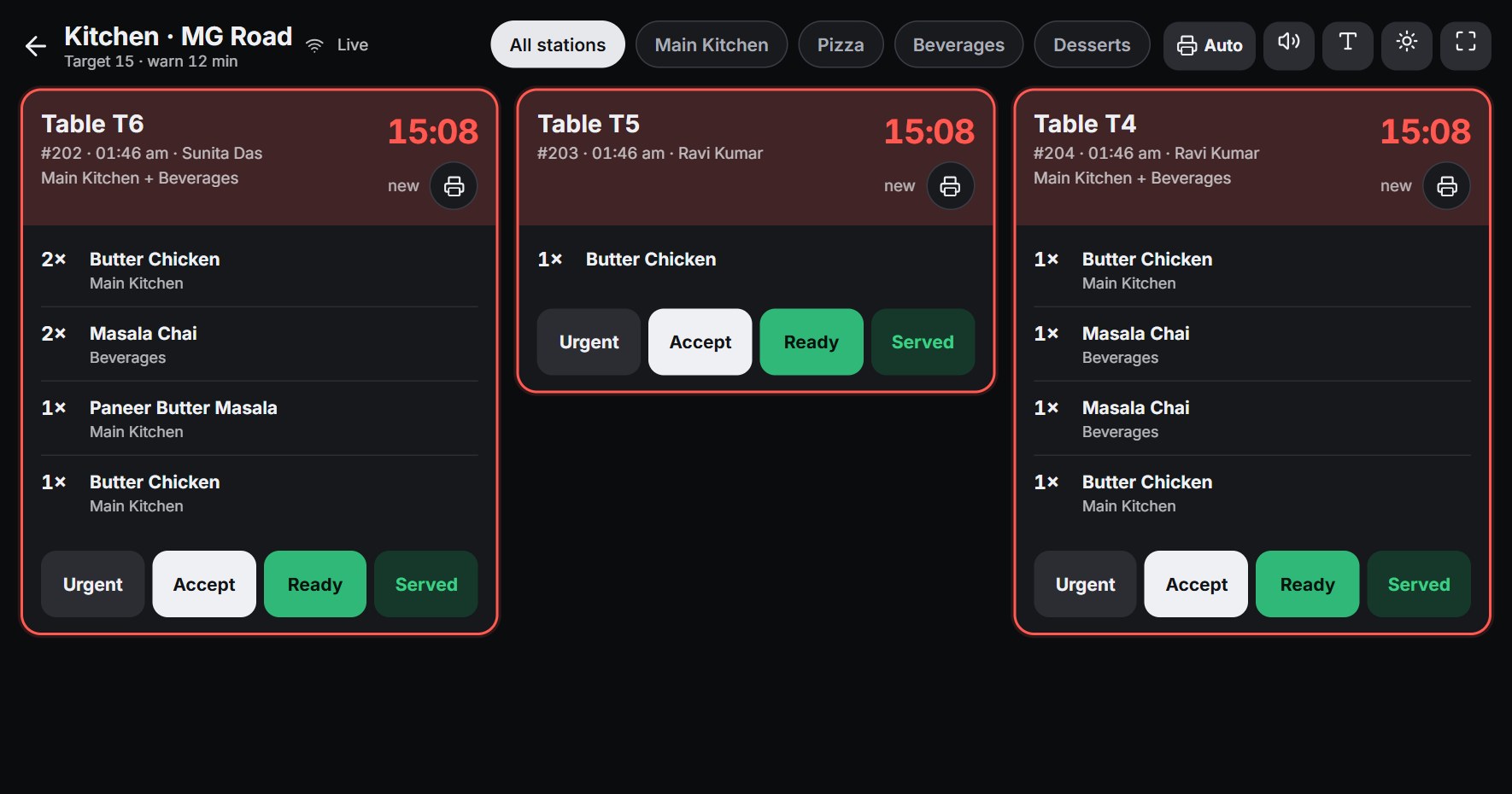
No more lost paper KOTs.
Every order appears instantly on the kitchen screen, by station, with a live timer. Chefs tap items as they're ready.
- Timers: green → amber → red
- Routing to each station
- Delay alerts & sound
- Per-item “ready”
- Big text & high contrast
- Preparation-time report
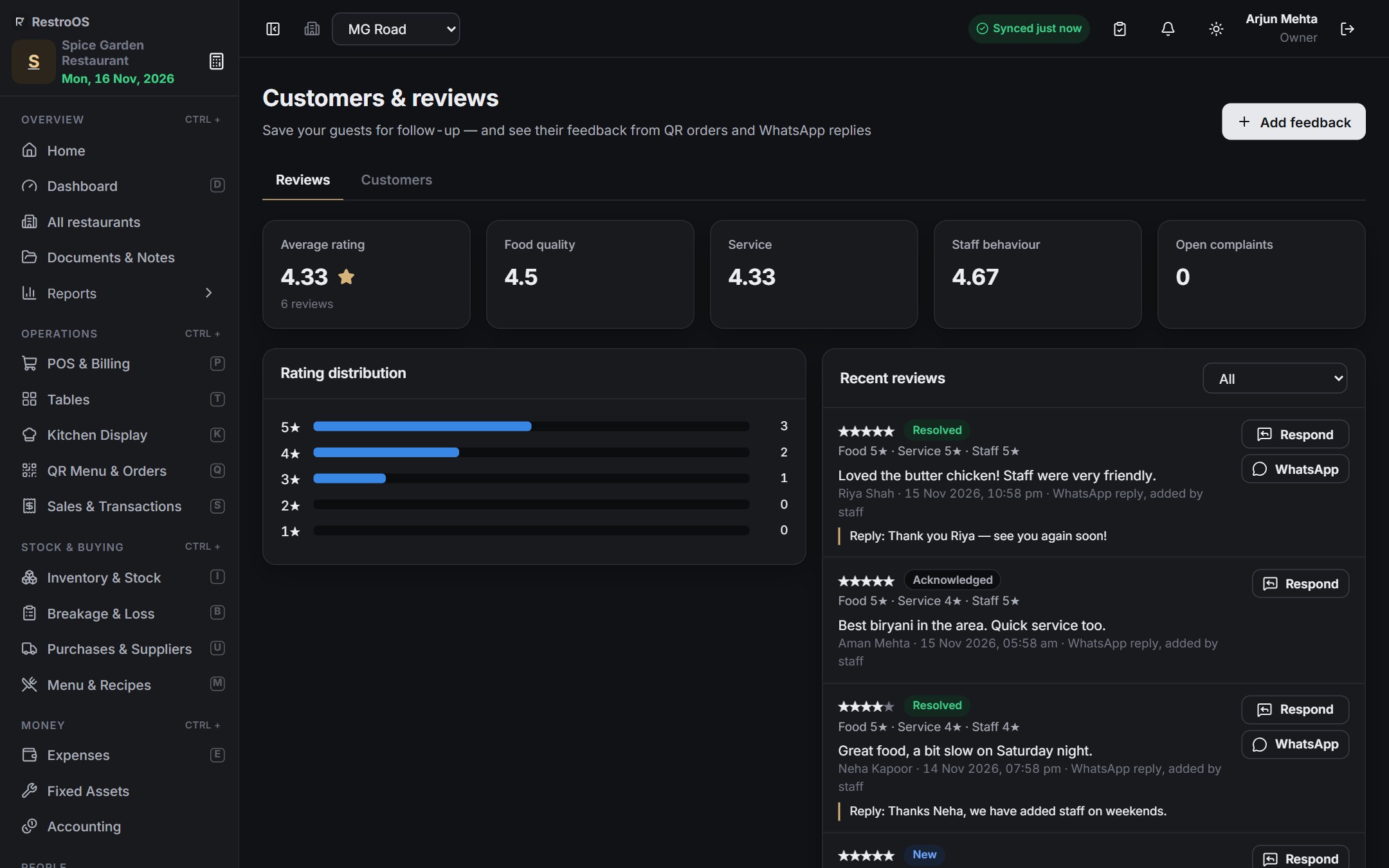
Bill on WhatsApp, with a rating link.
One tap sends the full invoice to the guest on WhatsApp: items, tax, total, how it was paid and a “Rate your visit” link. Ratings come back into RestroOS.
- No paper wasted — the guest keeps the bill on their phone
- Star ratings for food and service, with replies
- Write every message in your own words
Tax invoice SR/24-25/1042 · Table 7
GSTIN 24ABCDE1234F1Z5
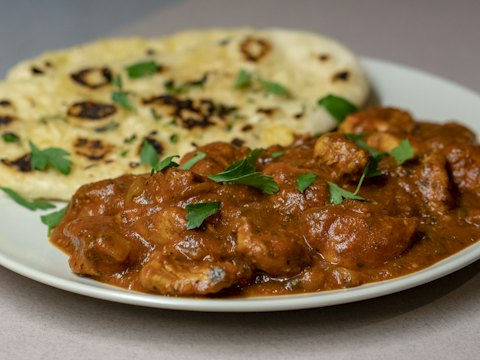
2 × Butter Chicken ₹840.00
1 × Chicken Tikka ₹320.00
3 × Butter Naan ₹207.00
2 × Lime Soda ₹220.00
Total ₹1,666.35 · Paid by UPI
Thank you for dining with us! 🙏
⭐ Rate your visit: app.restroos.net/m/o/A217#feedback 8:47 PM ✓✓
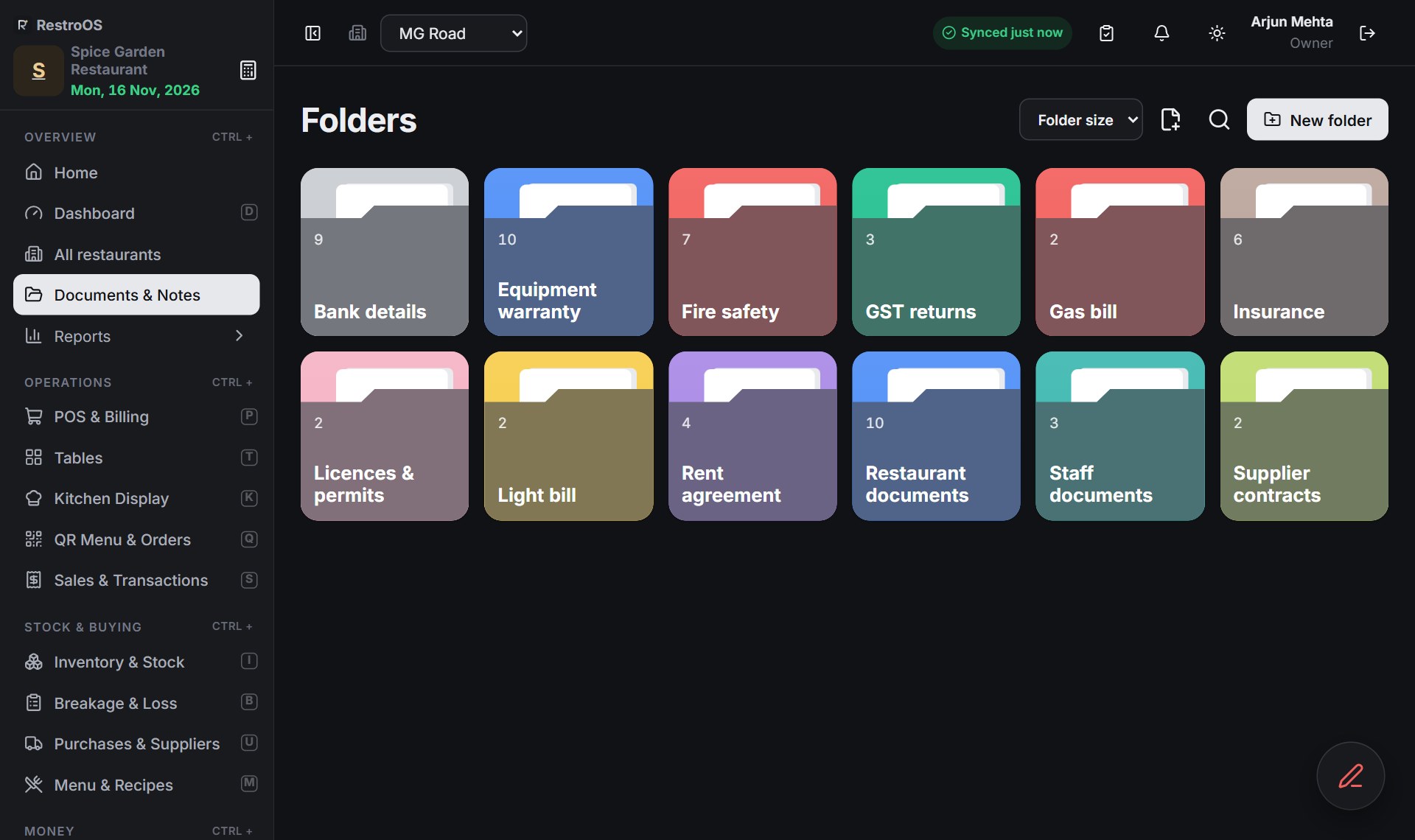
Your restaurant's filing cabinet.
Every important paper in colourful folders — licences, GST returns, rent agreement, staff documents, insurance and contracts. Find anything in seconds, on the computer or the phone.
- Folders with colours, notes and checklists
- Scan papers with the phone camera: auto crop & clean
- Open PDFs and photos, zoom, print or download
- Bill photos attach to expenses and purchases
- Private — only people you allow can see them
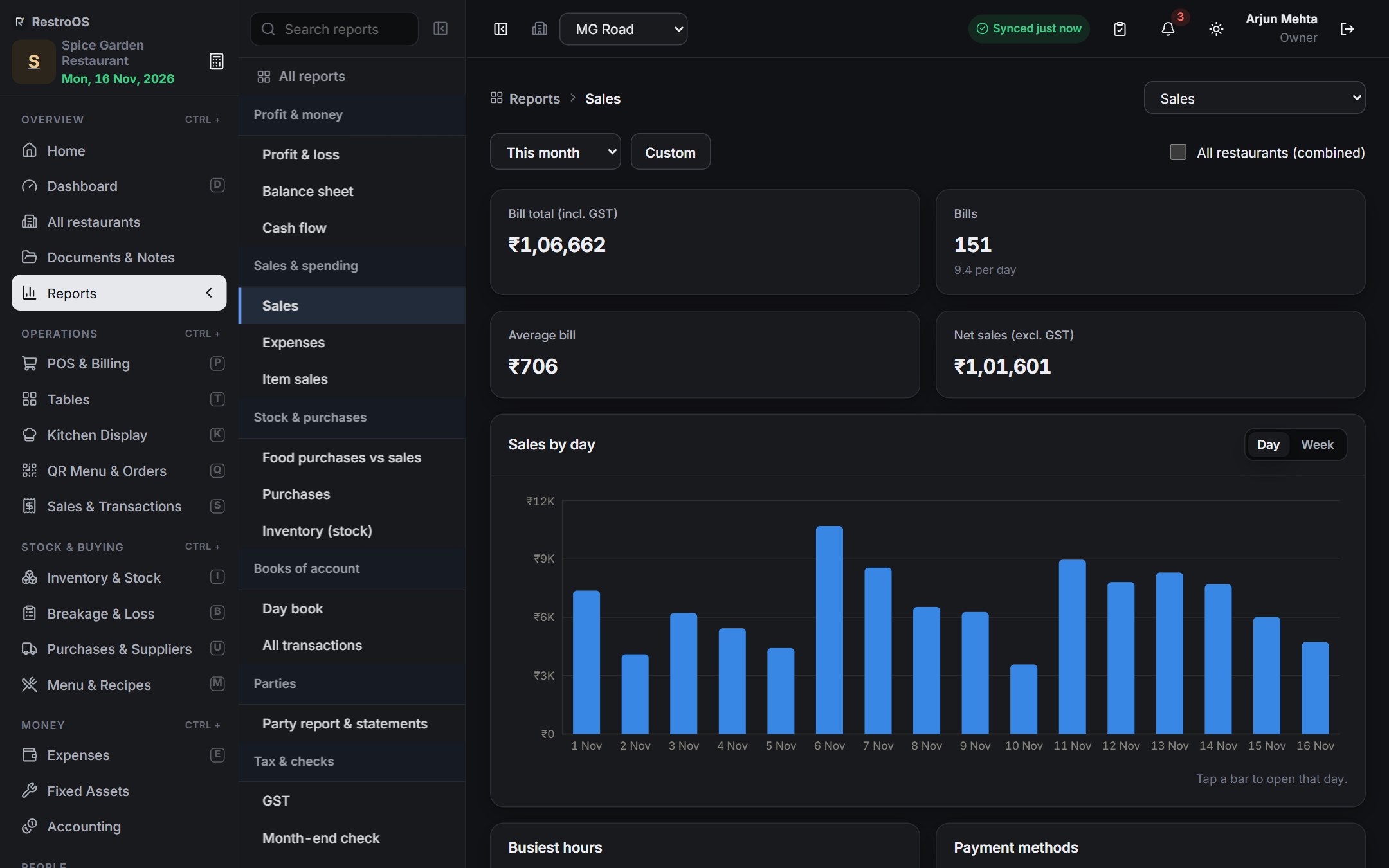
Know your profit today — not at month end.
50+ ready reports with graphs. Tap any bar to zoom from the year to a month, a day and an hour. Every report in Excel and PDF.
- Profit & loss, balance sheet, cash flow, day book
- Sales, item sales, GST, expenses, purchases, stock
- Today, this week, this month, any dates — one tap
Stock that counts itself.
Each dish has a recipe, so every sale reduces the stock automatically and shows the true food cost of each plate.
- Automatic sold-out when an ingredient runs out
- Low-stock alerts, batches and expiry dates
- Purchase orders, goods received and supplier payments
- Breakage and wastage tracking with photos
Your team, organised.
Staff sign in with their own PIN. Check-in, shifts, leave and advances flow straight into the monthly salary.
- Late marks and overtime from shifts
- Leave requests, advances and deductions
- Payroll from attendance and printable payslips
- Roles — staff only see what they should
Reports
50+ ready reports. Excel & PDF in one tap.
Accounts
Profit & loss · Balance sheet · Cash flow · Trial balance · Day book · Journals · All transactions · Party statements · Month-end check · Cash in hand
Sales
Sales report · Item sales · Best sellers · Busiest hours · Payment methods · Staff sales · Table sales · Discounts · Cancellations · Refunds · Branch comparison
Tax
GST report · CGST / SGST summary · Tax collected · Invoice register
Stock
Stock summary · Stock value · Low stock · Batches & expiry · Stock count differences · Food cost per dish · Breakage & loss by item, department and person
Purchases & expenses
Purchase register · Supplier statements · Price history · Supplier on-time · Expense report · Expenses by category · Budget vs actual
Staff & customers
Attendance · Late & overtime · Leave · Payroll · Payslips · Advances · Customer visits & spend · Loyalty · Birthdays · Reviews · Kitchen prep times · Fixed assets & depreciation
Light & dark mode
Light or dark — your choice.
Every screen comes in a bright light mode for the day and a calm dark mode that is easy on the eyes at night. Switch with one tap, or let it follow your phone or computer.
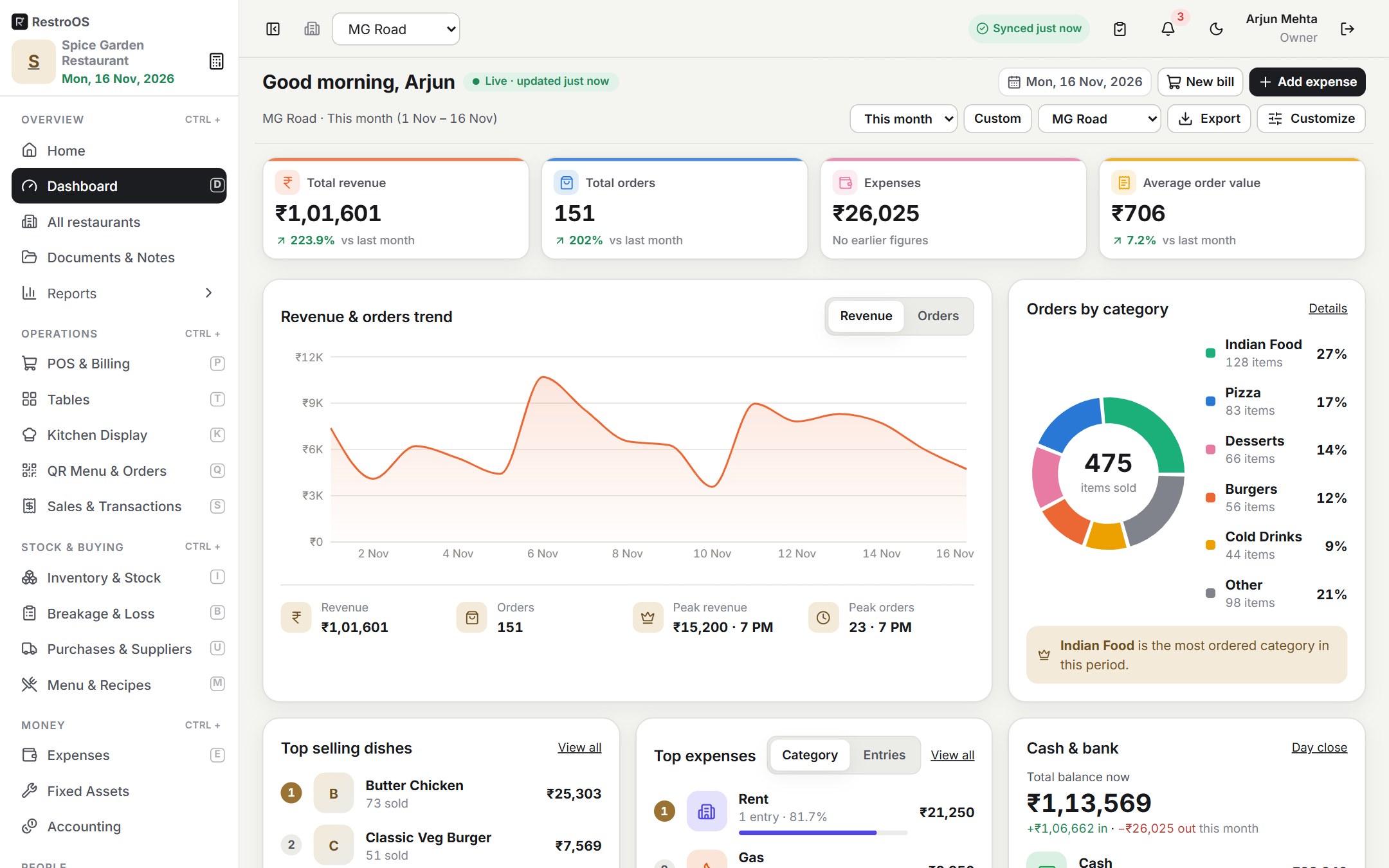
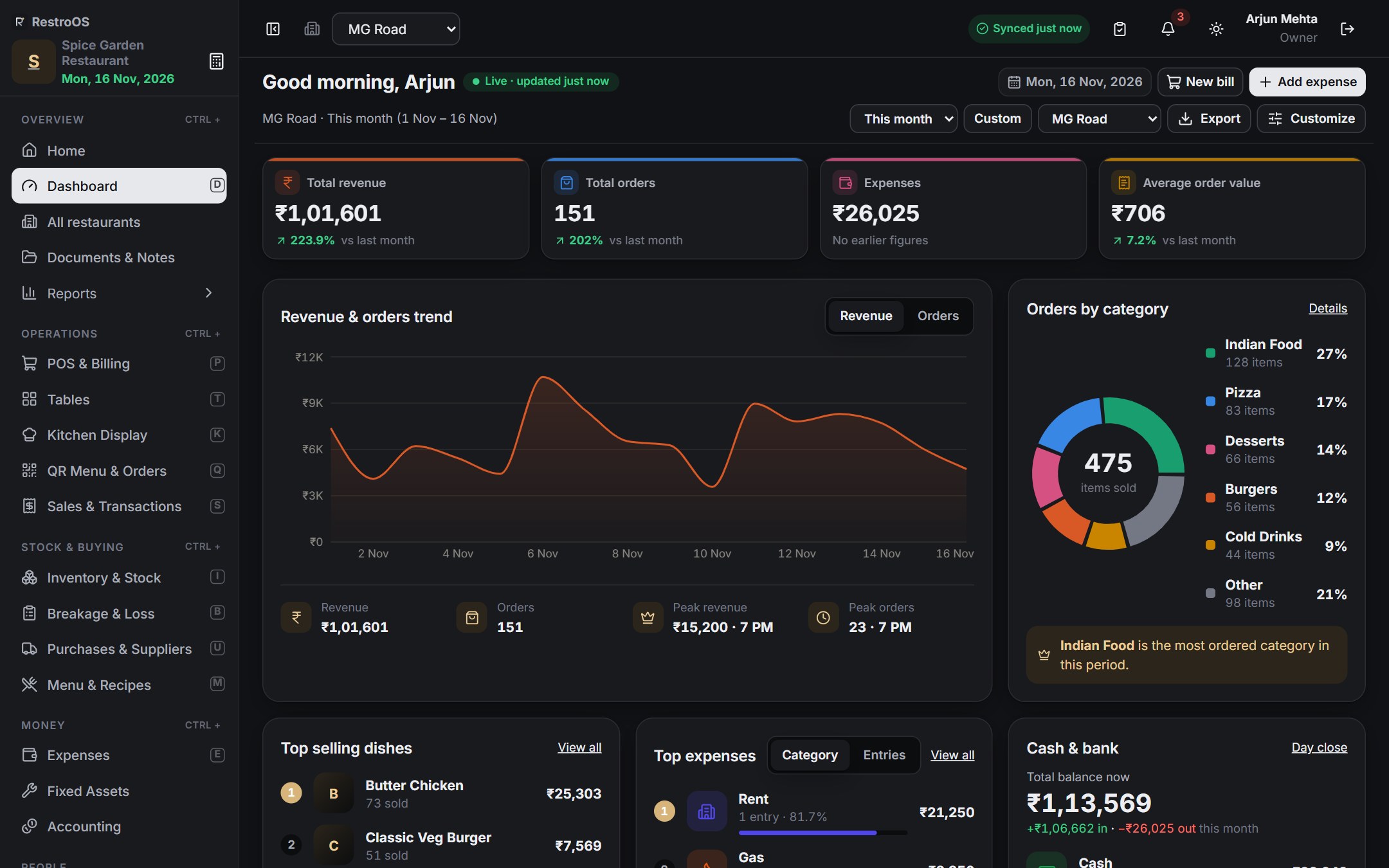
Tap Dark or Light, or drag the slider to compare
All modules included
And much more. Tap to look inside.
Never stop. Never lose data.
Internet down? Keep billing.
RestroOS runs on your restaurant's own computer, so billing, the kitchen screen and tablets keep working on the restaurant Wi-Fi. When the internet is back, everything syncs to the cloud by itself — and every night a full backup goes to Google Drive.
Packages
A package for every restaurant.
From a single café to a chain of restaurants. Tell us about your restaurant and we'll send you the details and price that fit you best.
Every package includes setup help, updates, offline mode, cloud sync and daily Google Drive backup.
 RestroOSRestaurant management software
Get RestroOS for your restaurant.
Leave your details — our team will contact you soon for a free demo, installation and the package that fits you best.
- 1We call you back
- 2Free demo
- 3We install it with you
Does RestroOS work without internet?
Yes. It runs on your restaurant's own computer; tablets and the kitchen screen connect over the restaurant Wi-Fi. Billing continues with no internet, and everything syncs to the cloud automatically when it returns.
Is my data safe if the computer breaks?
Yes. Your data is synced to the RestroOS cloud and a full backup is saved to Google Drive every night. Staff only see what their role allows, and every change is in the audit log.
How do WhatsApp invoices work?
When a bill is paid, RestroOS prepares the full invoice as a WhatsApp message with a “Rate your visit” link. One tap opens WhatsApp with it ready to send, and the guest's rating comes back into RestroOS.
Which devices do I need?
A Windows computer at the counter is enough to start. Add Android tablets or phones for waiters and the kitchen whenever you like. Owners can use any web browser, and guests order by scanning the table QR.
Can I use it in my country and currency?
Yes. Each restaurant has its own currency, time zone and tax names (GST, VAT and others). Indian restaurants get GST invoices and a GST report out of the box.
Is there a dark mode?
Yes. RestroOS has a light mode and a dark mode on every screen — computer, tablet and phone. Each person can switch with one tap, or let it follow their device automatically.
How much does it cost?
It depends on the package and the number of outlets. Send us your details and we'll share the price that fits you, with a free trial to start.